ESP8266 7-Segment Counter
3631AS 1-digit 7-segment display counter (0-9) with ESP8266 — cycles every 1 second
What It Does
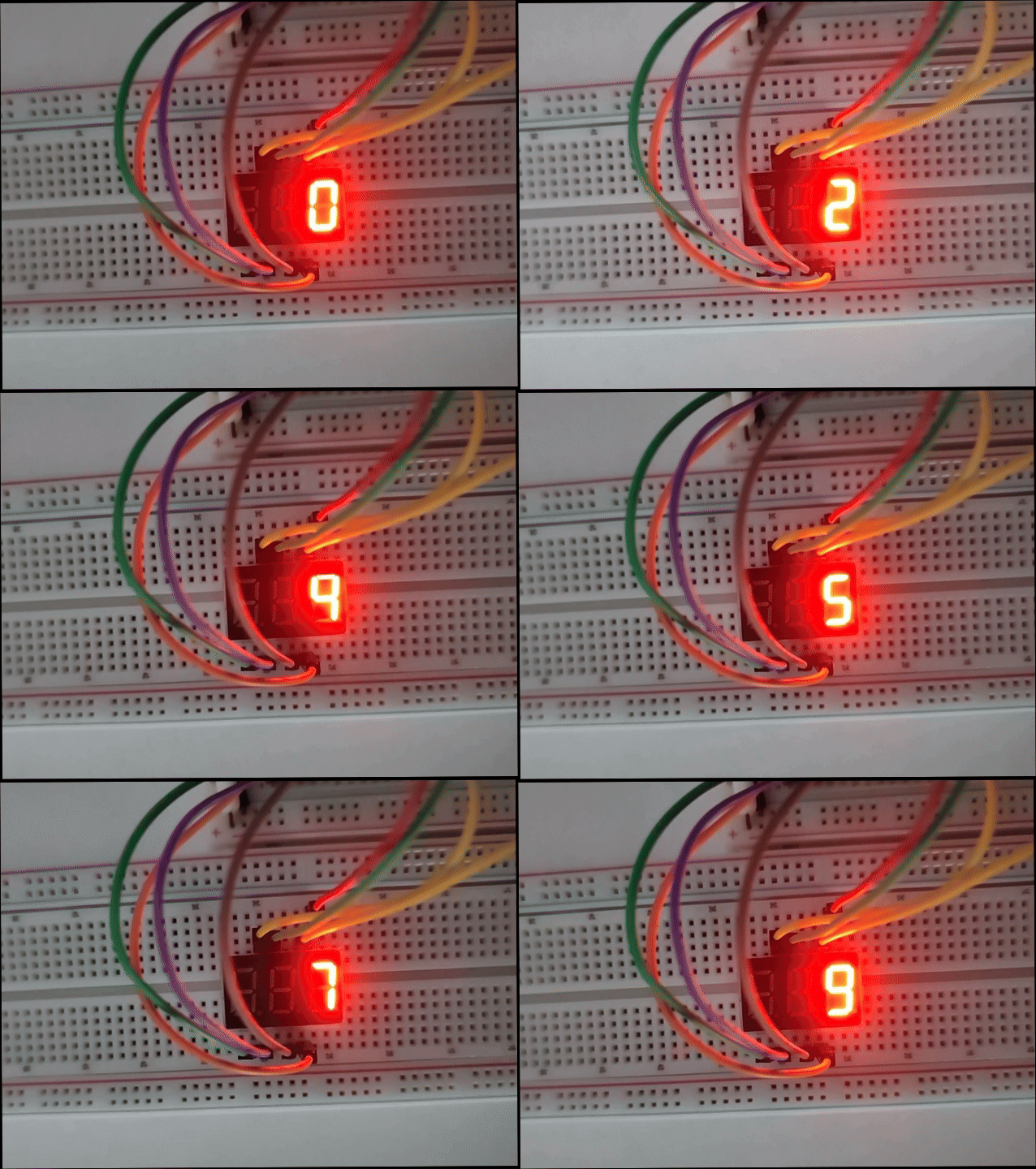
Counts from 0 to 9 on a single 3631AS 7-segment display, changing every 1 second.
Uses a lookup table to drive segments A-G through GPIO pins with 1kΩ current-limiting resistors.
Hardware
| Component | Model | Qty | Notes |
|---|---|---|---|
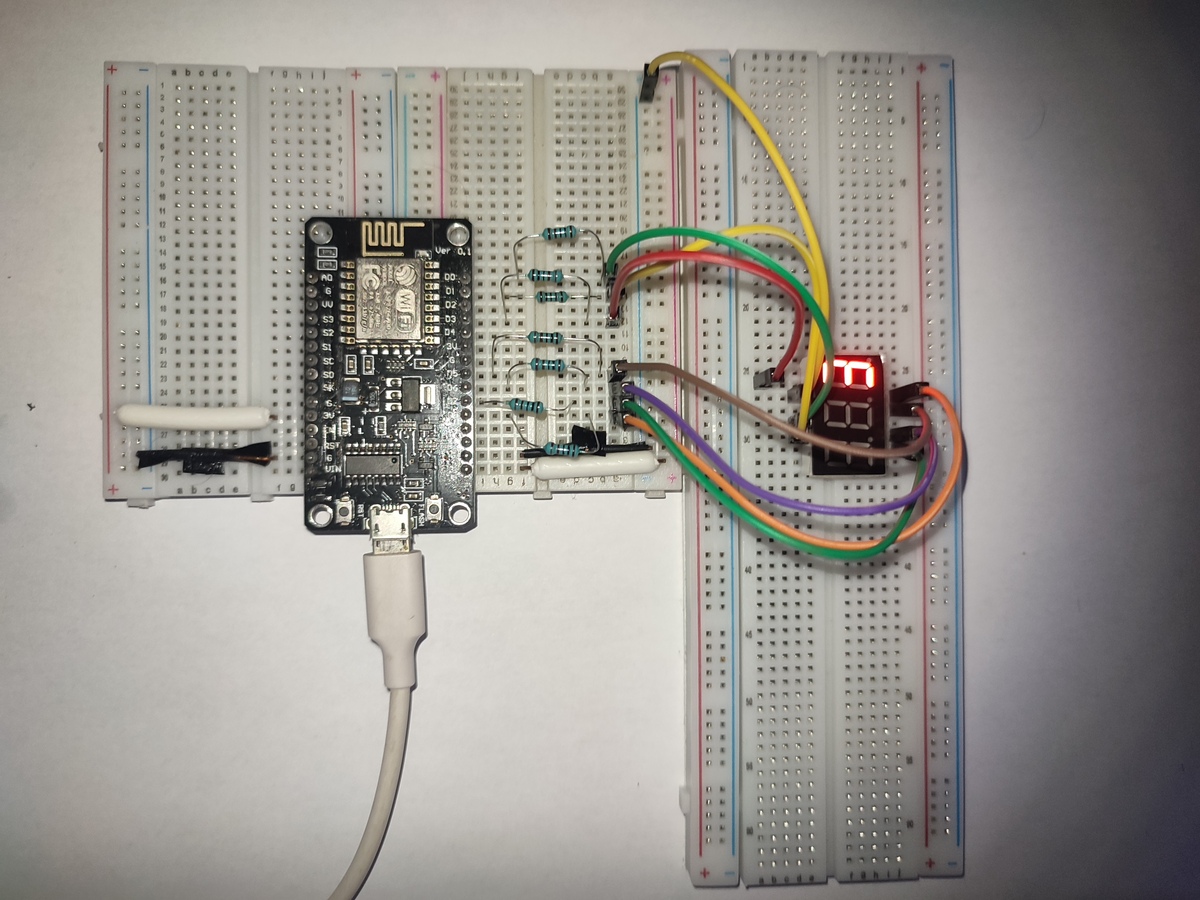
| Microcontroller | NodeMCU ESP8266 (ESP-12E) | 1 | |
| 7-Segment Display | 3631AS (Common Cathode) | 1 | 1-digit, 10-pin |
| Resistor | 1kΩ | 7 | Current limiting for segments A-G |
| Jumper wires | M-M | 15 |
Pin Mapping
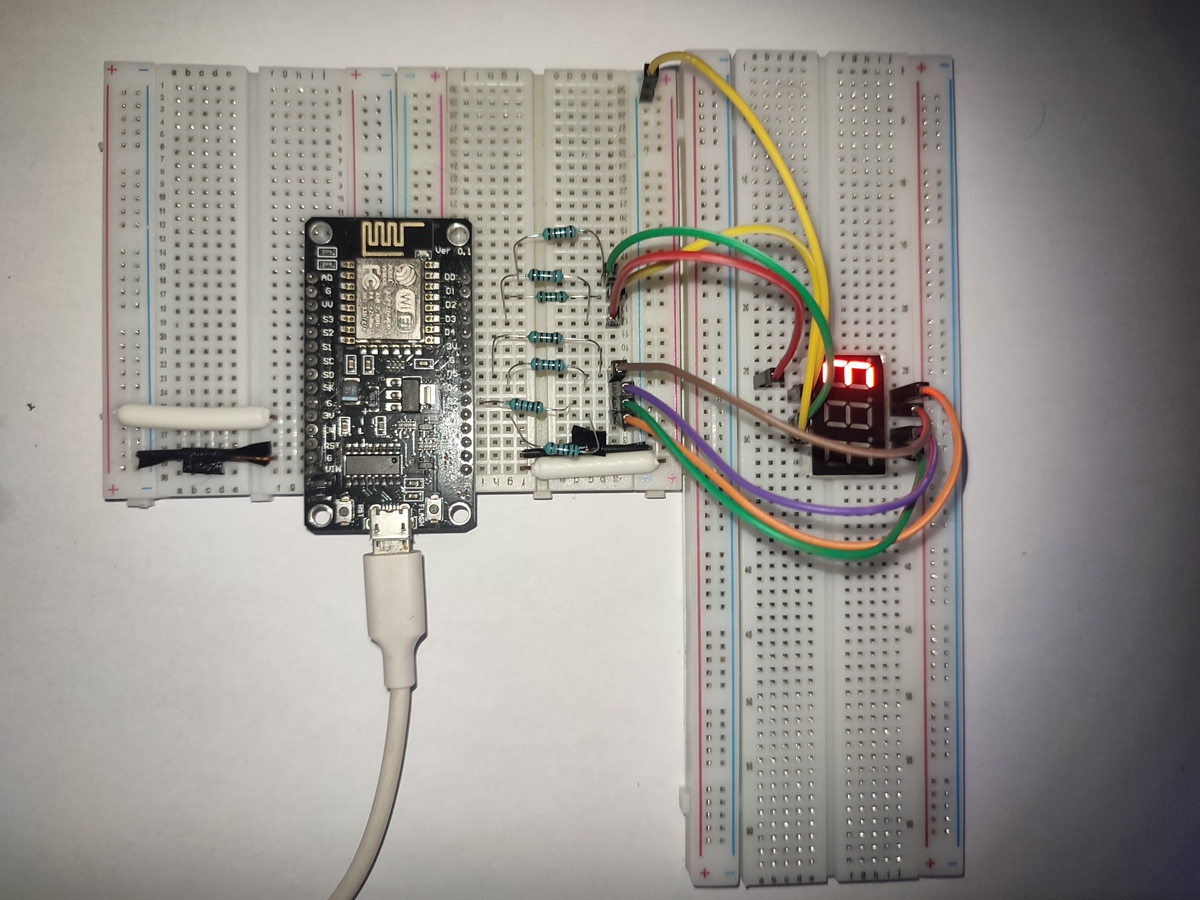
| Display Pin | Segment | ESP8266 Pin | GPIO | Connection |
|---|---|---|---|---|
| 10 | A | D1 | GPIO5 | Via 1kΩ resistor |
| 6 | B | D3 | GPIO0 | Via 1kΩ resistor |
| 4 | C | D5 | GPIO14 | Via 1kΩ resistor |
| 2 | D | D6 | GPIO12 | Via 1kΩ resistor |
| 1 | E | D7 | GPIO13 | Via 1kΩ resistor |
| 9 | F | D0 | GPIO16 | Via 1kΩ resistor |
| 5 | G | D8 | GPIO15 | Via 1kΩ resistor |
| 7 | DIG3 (GND) | GND | — | Direct jumper wire |
Common Cathode: DIG3 pin connects directly to GND. Segments light when GPIO goes HIGH.
Visual Guide
Breadboard Overview
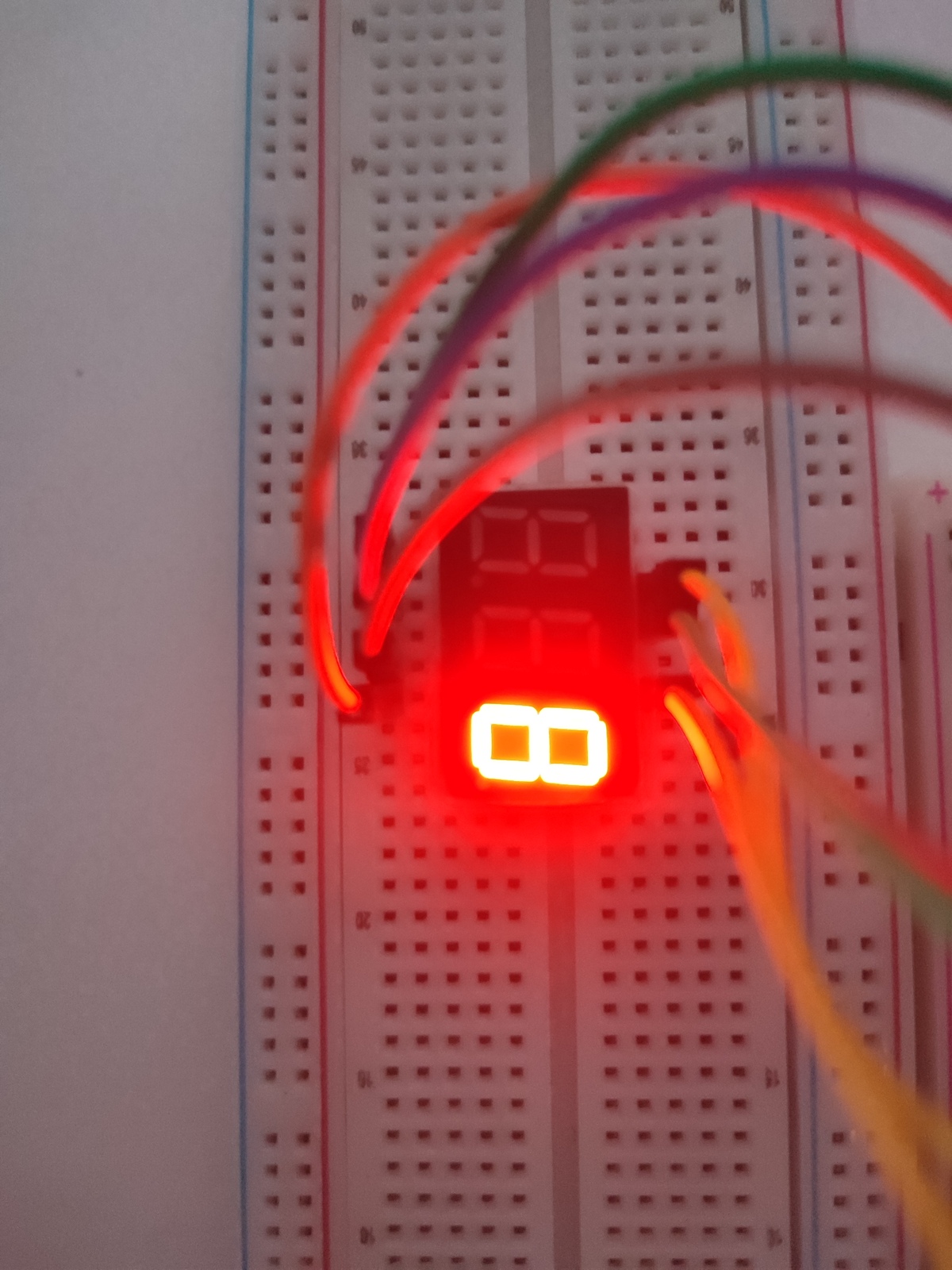
Display Close-up
Demo
Wiring Diagram
Software
PlatformIO Configuration
| Setting | Value |
|---|---|
| Platform | espressif8266 |
| Board | nodemcuv2 |
| Framework | arduino |
See platformio.ini for full configuration.
Build & Upload
- Open project in VS Code with PlatformIO extension
- Click Build (checkmark icon) or press
Ctrl+Alt+B - Click Upload (arrow icon) or press
Ctrl+Alt+U - The display should start counting 0→9 immediately
How It Works
// Lookup table: 1 = segment ON, 0 = segment OFF
const byte numPatterns[10][7] = {
  {1,1,1,1,1,1,0}, // 0
  {0,1,1,0,0,0,0}, // 1
  {1,1,0,1,1,0,1}, // 2
  // ... etc
};

void printNumber(int number) {
  digitalWrite(segA, numPatterns[number][0]);
  // ... drives all 7 segments
}
- Period: 1 second per digit
- Cycle: 0→9 takes 10 seconds, then repeats
Files
| File | Description |
|---|---|
src/main.cpp |
Main source code |
platformio.ini |
PlatformIO build configuration |
images/ |
Project photos and demo GIF |
schematic/ |
Wiring diagram |
License
MIT — Use this as a template for your own projects.